
Struggling WithMatomo HeatmapScreenshots?
A browser extension to capture identical Matomo heatmap screenshots.
Firefox coming soon.
Problems We Solve
Every feature is designed to fix a specific Matomo heatmap capture issue.
Heatmap cuts off below the fold
Auto-detects and expands all scrollable areas so you capture the complete page, not just what's visible.
Parallax backgrounds appear broken
Automatically fixes background-attachment issues that cause parallax effects to render incorrectly in screenshots.
Can't capture ended heatmaps
Take screenshots of heatmaps that have already ended or expired, preserving historical data analysis.
Hit the maximum sample limit
Capture heatmaps that have exceeded Matomo's sample rate limit, ensuring you can still document insights.
Elements show wrong heights
Fixes relative height elements that collapse or display incorrectly during screenshot capture, without manual CSS fixes.
Animations aren't finished
One-click manual screen capture when you need precise control over timing and capture settings.
Images are not loaded correctly
Automatically resolves images with relative paths to be loaded correctly.
Fonts are not loaded correctly
Handles CORS issues related to fonts by embedding them as base64 strings.
How It Works
Three simple steps to get started with Matomo heatmap helper.
Install Extension
Install Matomo Heatmap Helper from the Chrome Web Store.
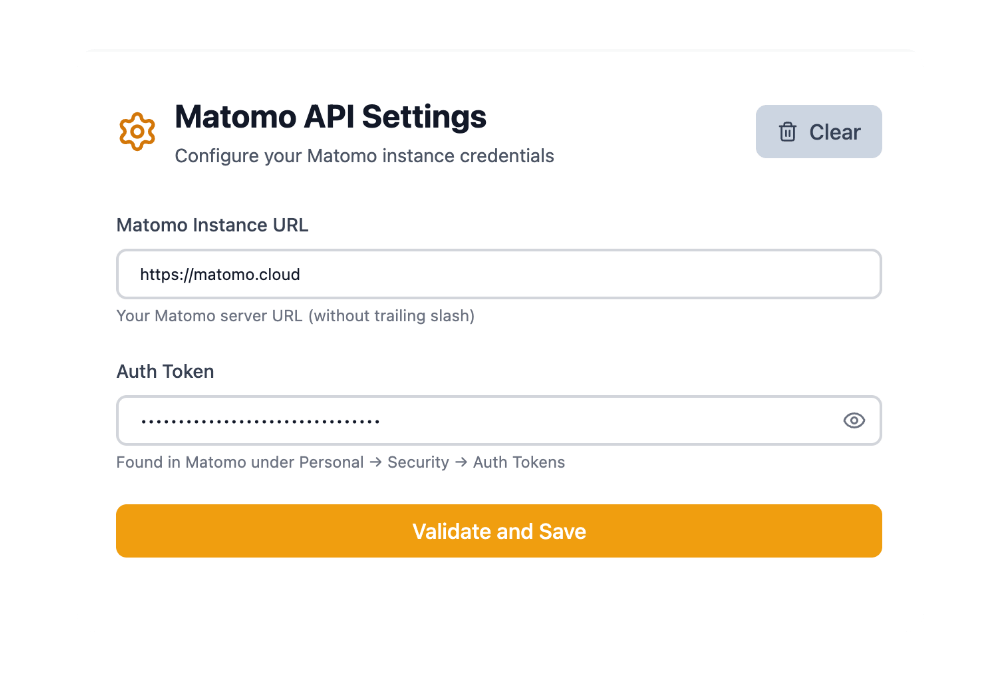
Provide API Credentials
Securely provide your Matomo API credentials to the extension.
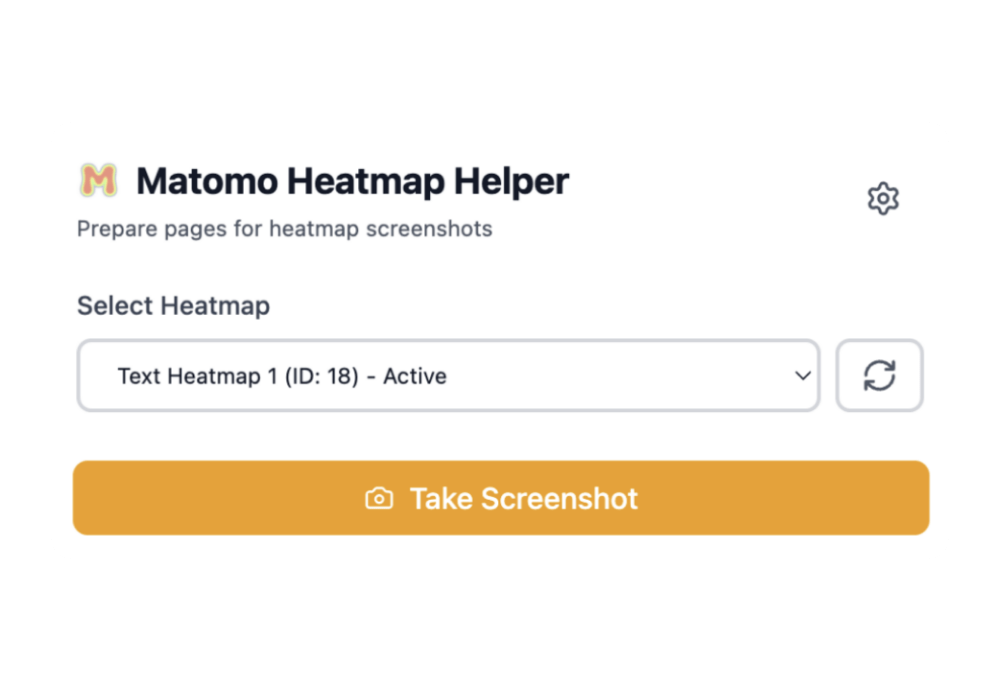
Select and Capture
Select the heatmap you want to capture and click the capture button.
100% Open Source
Inspect the code yourself. Your data never leaves your browser.
GitHub Repository
Star, fork, and contribute. The entire source code is available for inspection.
Privacy First
This extension communicates solely with your Matomo instance.
Community Driven
Built by Matomo users, for Matomo users. Contribute, report issues, request features.
Frequently Asked Questions
Common questions about the Matomo Heatmap Helper extension.
Which browsers are supported?
Currently, we support Chrome, Edge, and other Chromium-based browsers. Firefox support is coming soon.
Does it work with Matomo Cloud and self-hosted?
Yes! It works seamlessly with both Matomo Cloud and self-hosted instances.
Is my data sent anywhere?
This extension only communicates with your Matomo instance. No data is sent to any other external servers or the developers.
How do I report bugs or request features?
We welcome all feedback! Open an issue on our GitHub repository. The extension is open source, so you can also submit pull requests.
Can I use this extension without the paid Matomo Heatmap Plugin?
No. This extension only works with Matomo instances that have the Heatmap Plugin installed and enabled.
Can websites I visit access my Matomo credentials stored in this extension?
No. Your API URL and auth token are stored in chrome.storage.local, which is isolated by the browser and only accessible to the extension itself. Web pages cannot read extension storage, even when the extension's content script is active on that page.
Get started in seconds
Install the extension, connect your Matomo instance, and capture your first heatmap screenshot.
Free forever. No account required. Open source.